> For the complete documentation index, see [llms.txt](https://docs.world3.ai/world3/llms.txt). Markdown versions of documentation pages are available by appending `.md` to page URLs; this page is available as [Markdown](https://docs.world3.ai/world3/how-to-guides/claiming-your-usdwai-tokens/legend-nft-holders-psp-s2-vesting-claim-guide.md).
# Legend NFT Holders – PSP S2 Vesting Claim Guide
## Overview
1. The PSP Season 2 Participants Vesting is a reward program for Matrix Land or Soul Dragon Eggs NFT holders who have participated in PSP Season 2 Staking.
2. This program aims to reward early adopters by distributing $WAI tokens based on their earnings from the PSP Season 2 Staking program.
3. The total vesting amount is 30,000,000 $WAI (3% of the total token supply) and the rewards will be unlocked linearly over time.
## Eligibility
To receive this vesting reward, you must meet the following conditions:
1. NFT Requirements:
Hold Matrix Land or Soul Dragon Eggs NFTs.
2. Staking requirements:
Participated in PSP Season 2 Staking (August 12, 2025 – October 31, 2025 UTC) and received PSP rewards.
3. Account verification requirements:
During the information collection phase (November 12, 2025 - January 5, 2026 UTC), email verification and wallet signature verification have to be completed.
4. Vesting Period Requirement:
PSP Season 2 vesting is conducted during the period from December 12, 2025 to September 12, 2026 UTC. Claiming begins on January 12, 2026 UTC.
## Event Timeline
| **stage** | **time** | **Content Description** |
| -------------------------- | ---------------------------------------------------- | ------------------------------------------------------------------------------------------------------------------------------------------------------------------------------------------------- |
|
Info Submission
|
November 12, 2025 - January 5, 2026 (UTC)
|
Vesting starts and Matrix Land or Soul Dragon Eggs NFT holders have to complete the email verification and wallet signature to participate in the information collection phase.
|
| Vesting Preparation | January 5 - January 12, 2026 (UTC) | Contract data and wallet mappings are being finalized to ensure the vesting eligibility is accurately reflected. This process will not affect the unlock schedule. |
| Airdrop Distribution |
January 12 - September 12, 2026 (UTC)
| User rewards will be unlocked linearly every second during this period and all eligible participants will receive their unlocked $WAI airdrop. |
**Notice:** The Vesting start date is December 12, 2025 (UTC). Vesting begins immediately and unlocks on a per-second linear basis for all successfully registered users.
## How to Claim
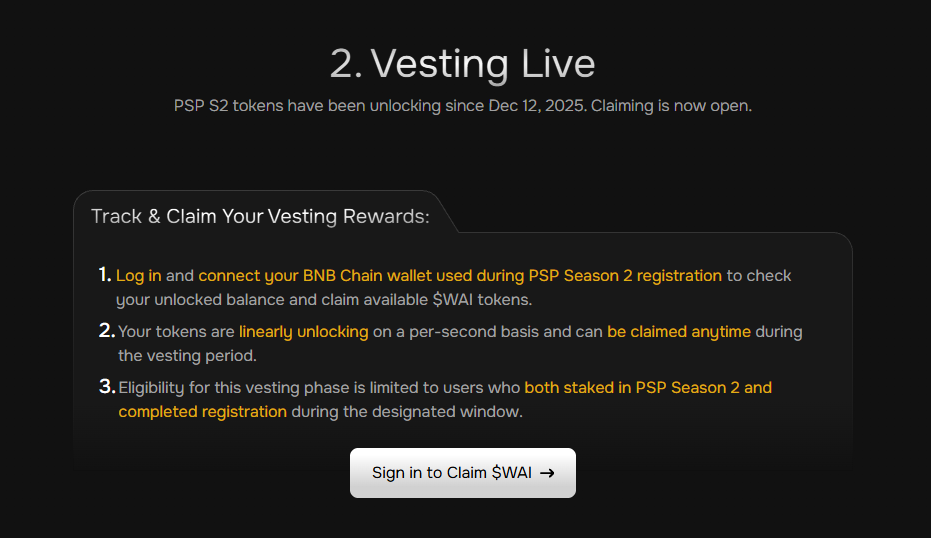
1\. Log in and link the wallet used in PSP S2 Registration.
**Step1:** Click the **“Sign in to Claim $WAI”** button to log in. If your WORLD3 account is already linked to the wallet address corresponding to the PSP S2 Registration stage, please proceed directly to **Step3**. The platform will automatically recognize your PSP S2 Registration address and display the unlock balance.
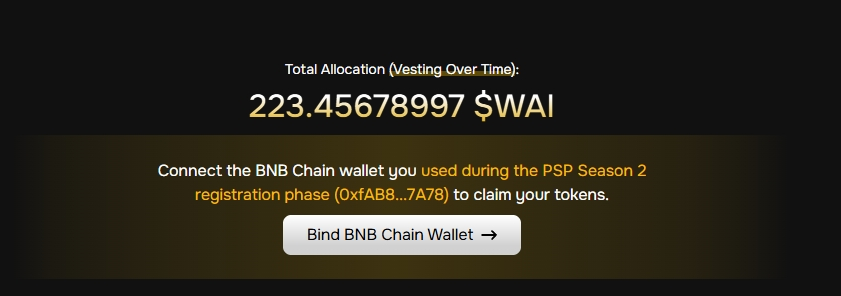
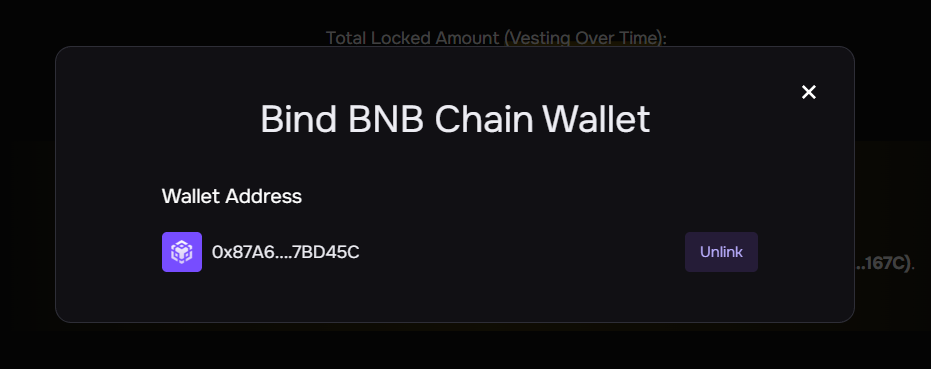
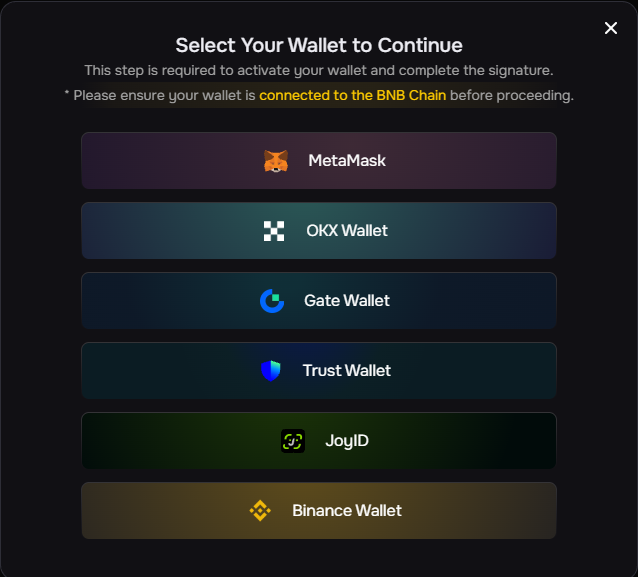
**Step2:** If your WORLD3 account is not yet linked to a BNB Chain wallet, please click the **“Bind BNB Chain Wallet”** button to connect the same wallet address used to during PSP S2 Registration.
{% hint style="info" %}
**⚠️ Note on Example Data**
The figures shown in the screenshots below are **mock data for demonstration purposes only.** They are not real vesting amounts and do not represent actual reward calculations or allocation ratios.
{% endhint %}
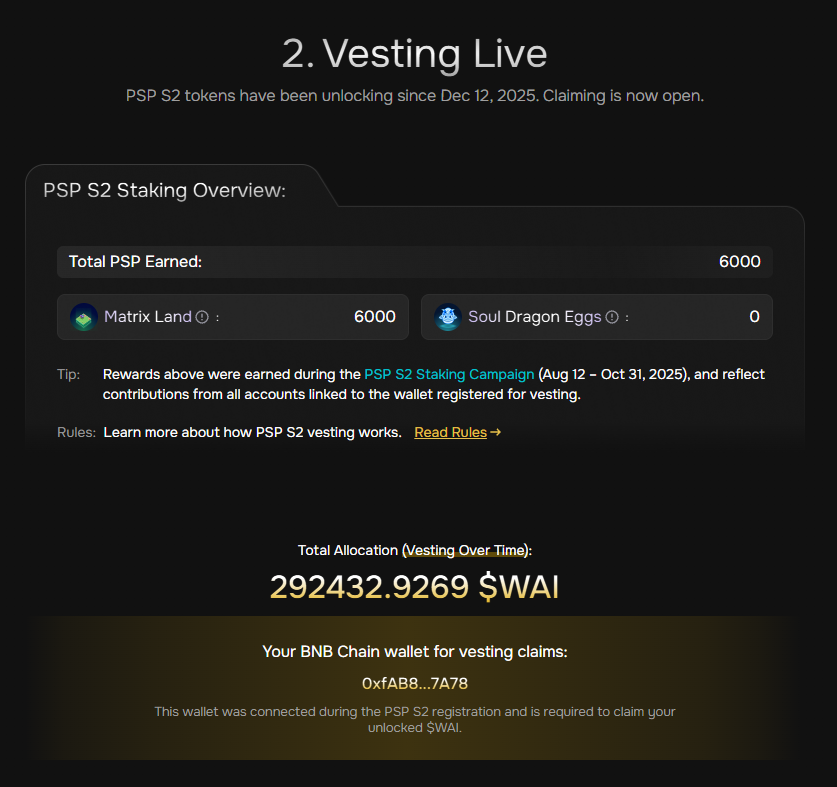
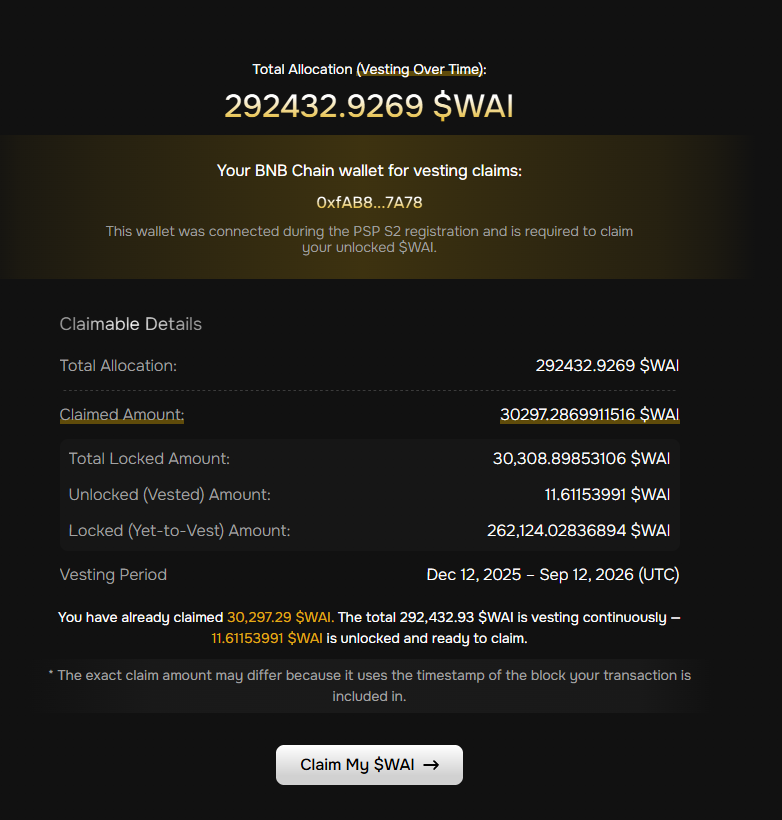
**Step3:** After the correct binding is complete, you will see the following section.
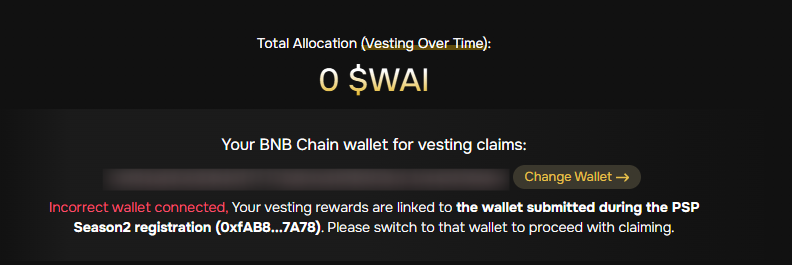
If the wallet address **you linked is not the address during the PSP S2 Registration. phase**, the following interface will be displayed. You need to **click the “Change Wallet” button to change the linked wallet**.
### 2. Check unlock progress
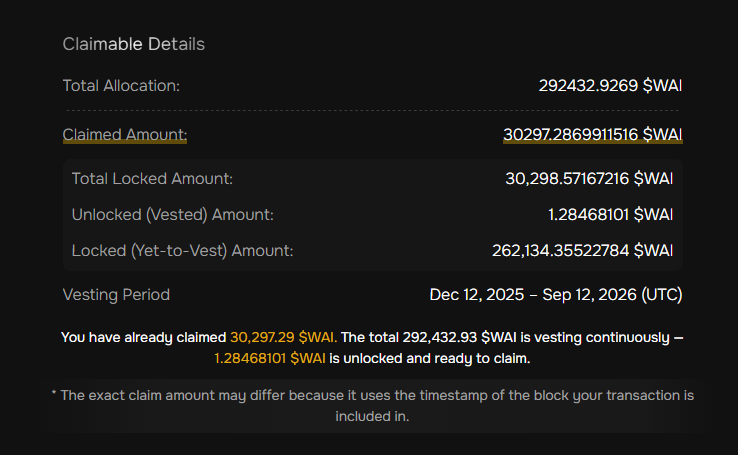
On the Vesting page, you can view the following information:
* Total Allocation
* Claimed Amount
* Total Locked Amount(The number of Unlocked and Locked items changes every second, so you can check it in real time.)
* Unlocked (Vested) Amount
* Locked (Yet-to-Vest) Amount
* Vesting Period
### 3. Claim unlocked tokens
**Step1:** Click the **“Claim My $WAI”** button to claim your reward. The system will calculate your current claimable amount in real time. The unlocking process is linear and continuous, claiming your reward will not affect subsequent calculations.
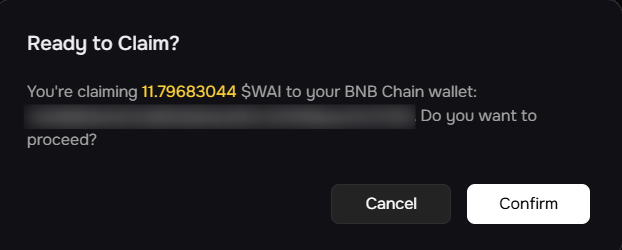
**Step2: Confirm** the quantity to receive.
**Step3:** Select the corresponding wallet address and sign (**please ensure your wallet has enough gasfee, otherwise the claim will fail**).
{% hint style="info" %}
Notice:If you want to continue making claims in subsequent time periods, simply repeat Steps 1-3.
{% endhint %}
### 4. View claim history
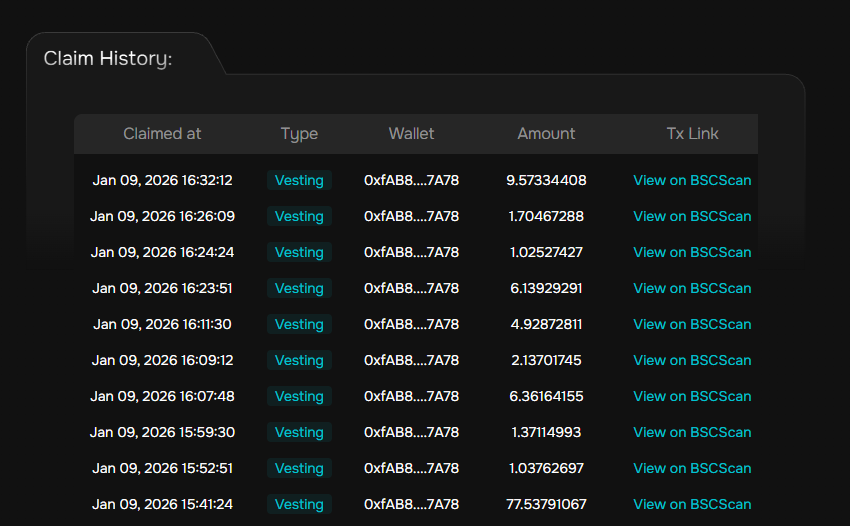
After completing the above stages, you can view your **Claim History** for the **PSP S2 Vesting stages** **in the Claim history section.**
## Ineligible Users
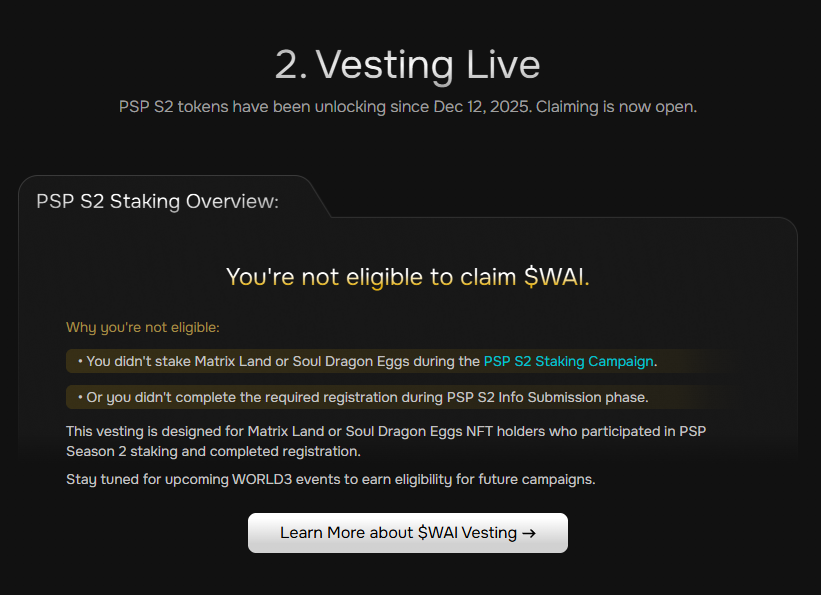
This vesting is limited to **Matrix Land** and **SOUL Dragon Eggs** NFT holders who **actively participated in PSP Season 2**. If you are **not eligible** for this vesting, you will see the following message:
Stay tuned for upcoming WORLD3 campaigns to earn eligibility for future $WAI airdrops.
If you have any questions, please click **“Contact Support”** on the page for assistance. We will process your request as soon as possible.